01
Mixing & routing
Count microphone and line inputs, monitor sends, USB channels and the operators who need access before choosing console size.
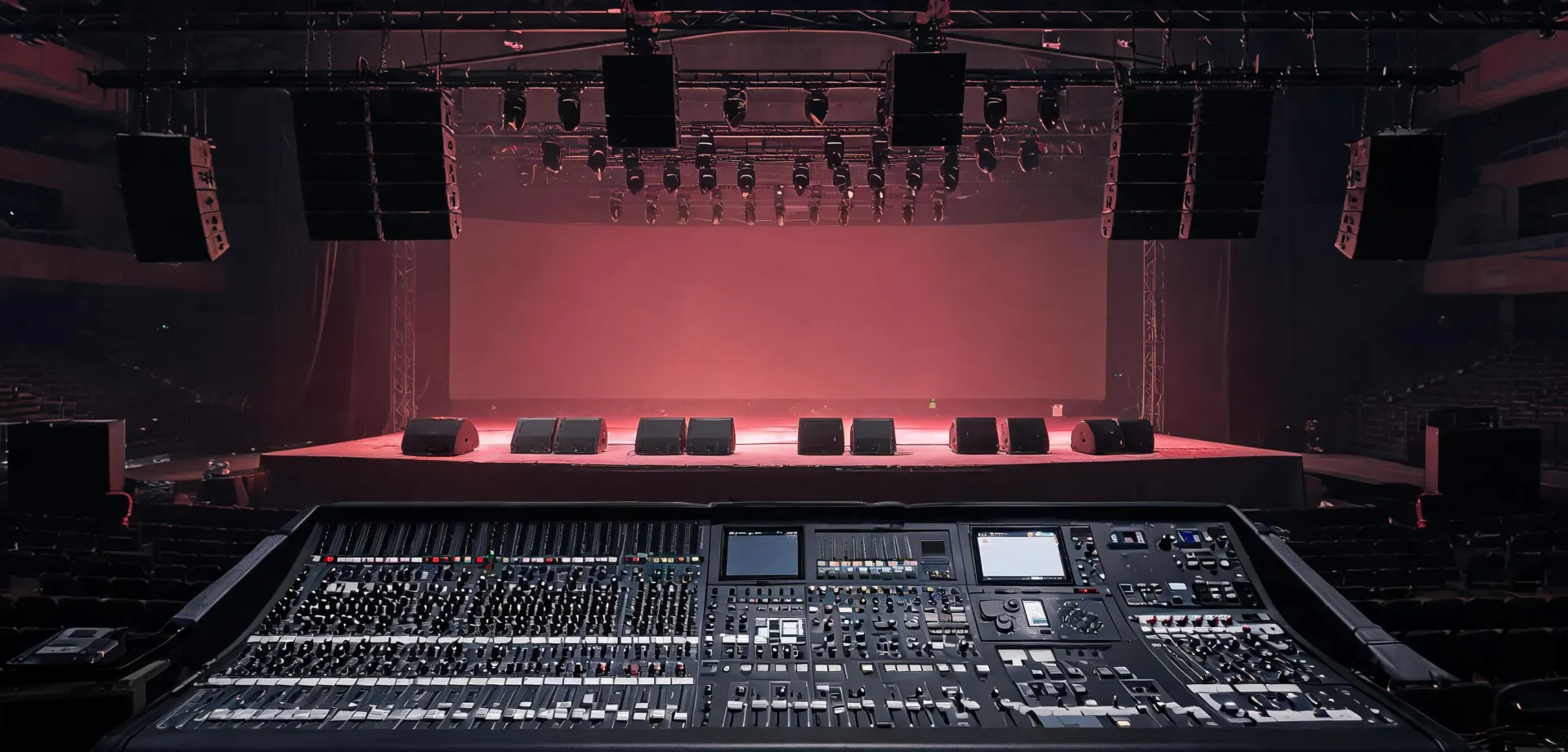
Build a clear signal path with loudspeakers, PA systems, subwoofers, stage monitors, amplifiers and mixers selected around the room—not a generic wattage claim.
Start with the source, required inputs, monitoring route, loudspeaker coverage and low-frequency demand. The useful system is the one whose components fit one another electrically and operationally.
Count microphone and line inputs, monitor sends, USB channels and the operators who need access before choosing console size.
Match nominal load, amplifier rating, enclosure count and connector plan; leave thermal and limiter headroom for the duty cycle.
Set crossover, placement and polarity from the room and stage geometry instead of assuming more cabinets automatically solve coverage.
Record target SPL, 4 or 8 Ω nominal impedance, amplifier output at the intended load, an initial 80–100 Hz crossover window, input count and auxiliary bus count. Treat these as starting checkpoints, not universal settings.
Powered boxes reduce rack cabling and place amplification near the driver. Passive systems centralize service and power distribution. The better route depends on access, cable runs, inventory and long-term maintenance.
Add one when the program and room require low-frequency extension or when taking bass demand away from the top cabinets improves usable headroom. Placement and crossover alignment remain essential.
Not by default. Wind, distance, audience geometry and lack of boundary gain change the result. Large or long-throw sites require coverage modelling and weather-appropriate hardware.
Common causes include excessive input gain, insufficient amplifier or loudspeaker headroom, sustained high SPL and program material with heavy low-frequency energy. Diagnose the gain structure before raising output limits.
No. Firmware can address documented software behavior, but cannot repair damaged drivers, overheating power stages, intermittent cabling or an unsuitable electrical load.
No assumption should be made. Emergency voice evacuation and regulated installations require the specified certified system, installation practice and authority approval for that project.
We will help organize the questions that narrow a Behringer system without hiding the practical limits.